
Documentation
Browser Notifications
WP Godmode can send notifications straight to your web browser, so you always know the moment an important task finishes — even if you have switched to another tab or application.
What browser notifications do
- Alert you when a long-running task or agent has completed.
- Notify you when your input or approval is required to continue.
- Let you keep working in other tabs without missing updates.
How to enable them
- Open WP Godmode from your WordPress admin menu.
- At the bottom of the left sidebar, click Notifications off.
- When your browser asks for permission, choose Allow. The button switches to Notifications on.
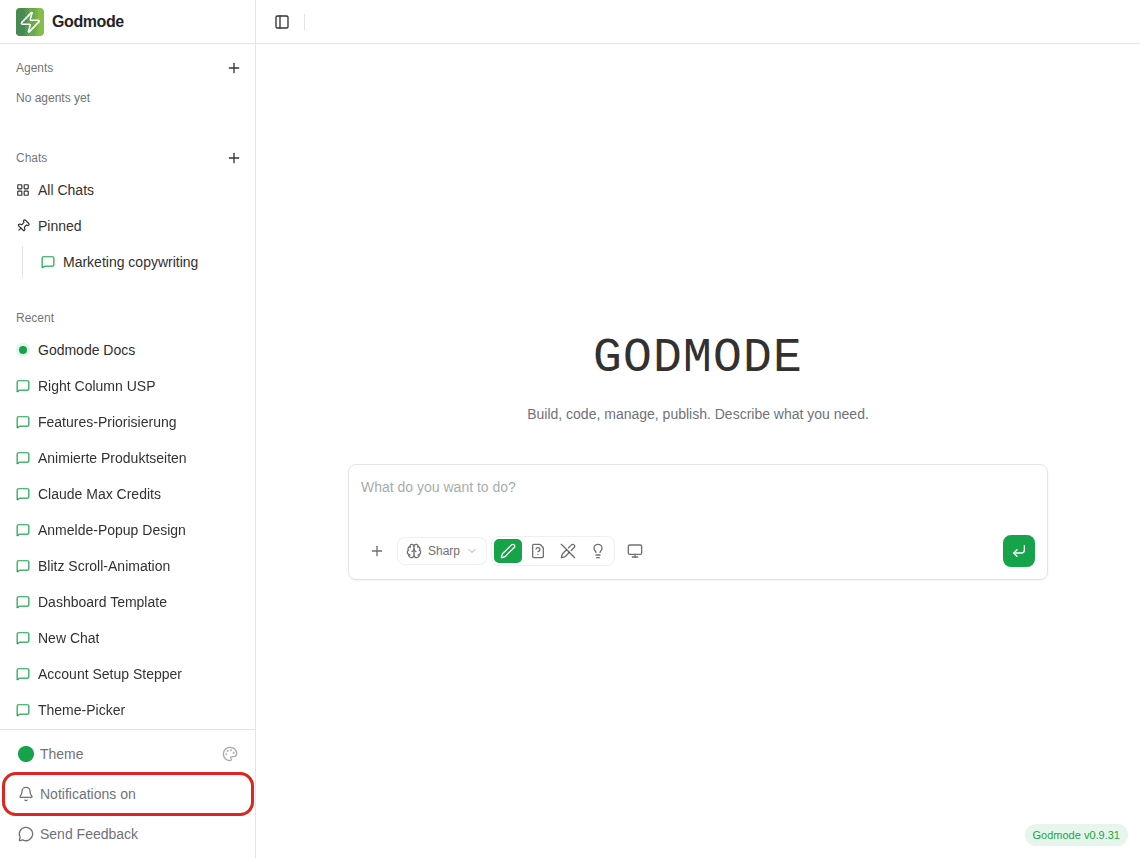
That’s it — you’ll now receive a desktop notification whenever WP Godmode needs your attention.
Not receiving notifications?
Make sure notifications are allowed for this site in your browser settings, and that your operating system’s “Do Not Disturb” or focus mode is turned off.
Table Of Contents