The AI workspace for WordPress professionals
WP Godmode is an integrated AI workspace built for serious WordPress professionals and agencies that want to scale websites, clients, and revenue.


Agentic AI for WordPress
Handle WordPress development, debugging, content management, security, maintenance, and more with AI agents working directly inside your website.
Built for Agencies and professionals
Save time, automate WordPress tasks, and stay in control with Custom Rules and Skills, Scheduled Agents, Permission Modes, and more.
Beyond MCP connectors
Unlike MCP connectors, WP Godmode runs directly in WordPress with full site context, no external setup, and built-in safeguards.
Why agencies use WP Godmode

Built for every agency role
Empower developers, designers, marketers, and project managers to work more efficiently together in one WordPress workspace.

Full control over your workflows
Define agency guidelines globally, customize AI behavior with Rules and Skills, and control how agents work and make changes.

Provide AI Agents to your clients
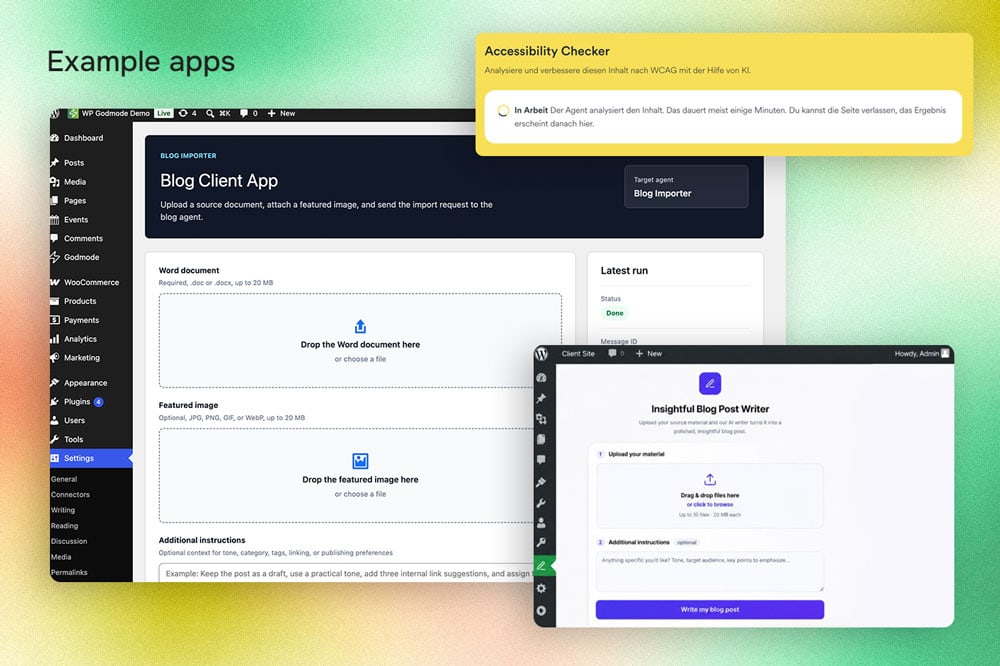
Create new revenue streams with branded AI apps that let clients use your predefined agents directly in WordPress.
How WP Godmode works
From connecting your AI provider to automating workflows and building client-facing apps, everything happens directly inside WordPress.
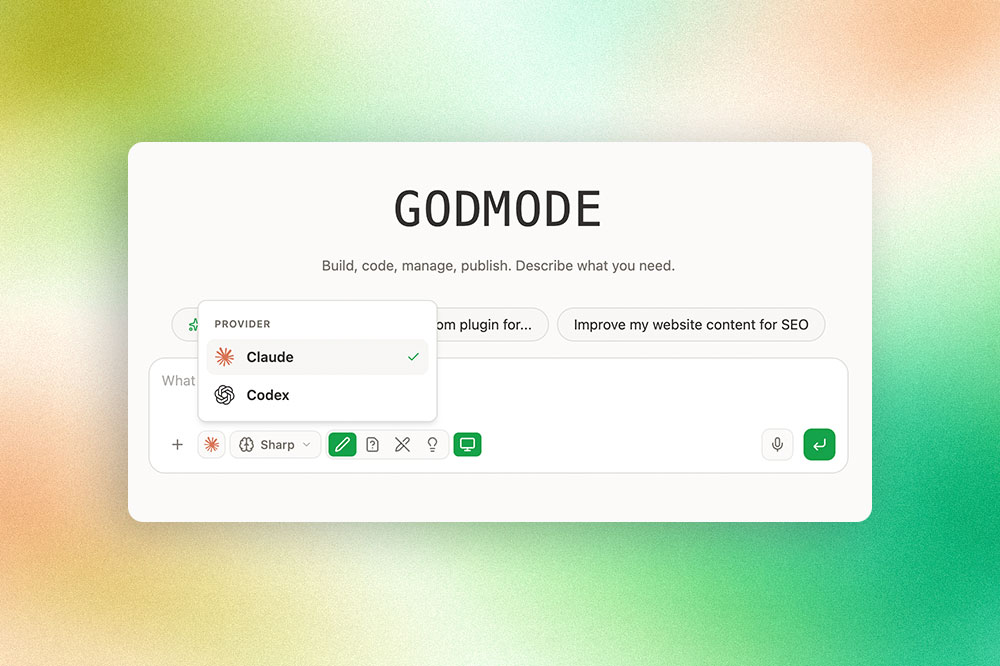
AI Provider Integration
Connect your existing ChatGPT Codex or Claude account to WP Godmode. Work with the latest supported AI models directly inside WordPress, without additional AI usage fees from WP Godmode.
Full Website Context
WP Godmode understands your entire WordPress stack, including themes, plugins, files, and databases. Every request is handled with your website's context, resulting in solutions tailored to your project.
Custom Rules & Skills
Define how AI works with your websites. Skills provide specialized knowledge, while custom Rules enforce your agency's standards and guidelines, either per website or across all your projects.
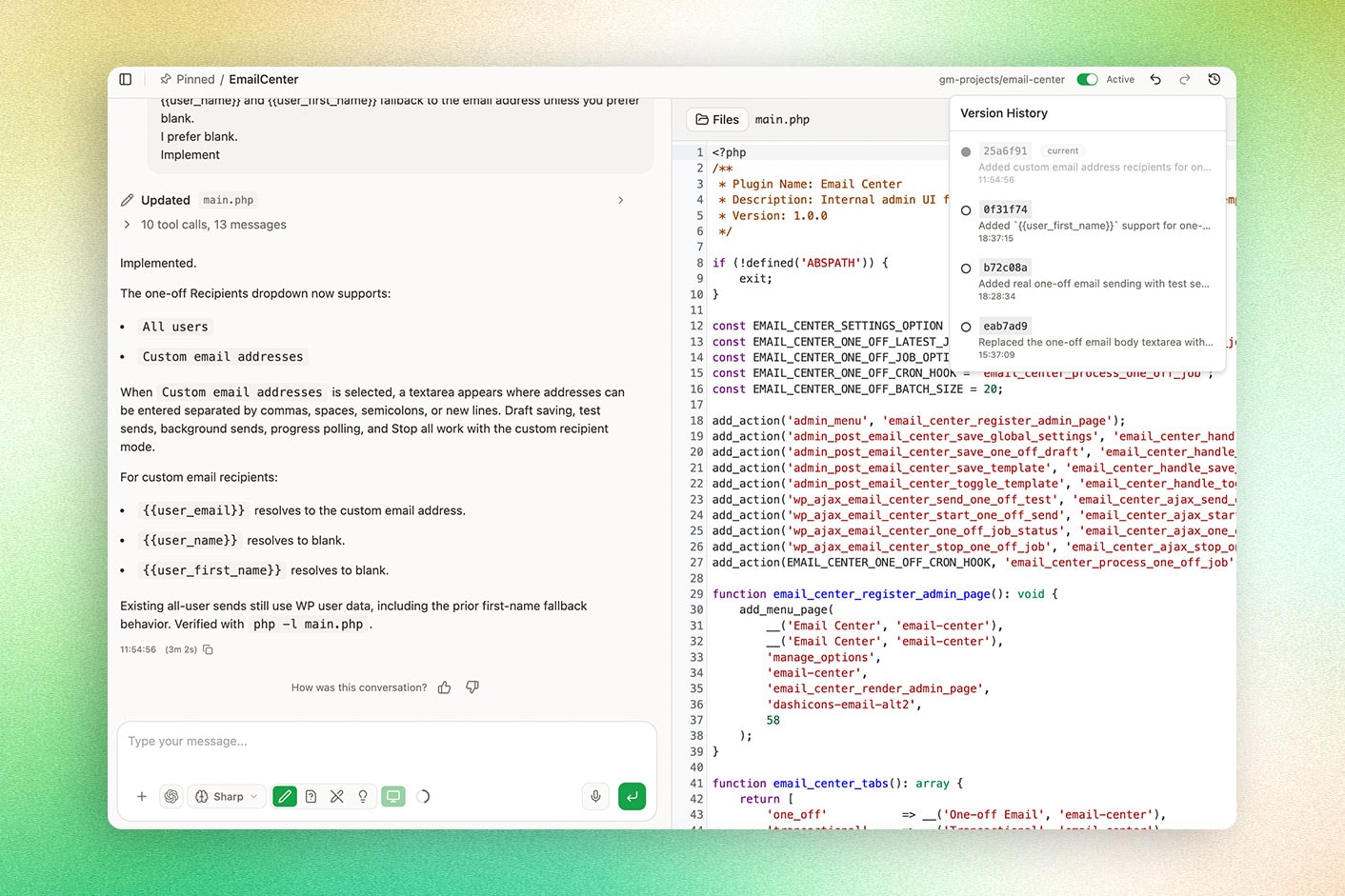
Built-in Code Editor
Review and manage AI-generated code directly inside WordPress. Edit code snippets manually, disable them when needed, or undo changes to stay in control of your development work.
Permission and Plan Modes
Stay in control of every change. Use Ask Before Edits to approve modifications, or Plan Mode to review an implementation plan before WP Godmode starts making changes to your website.
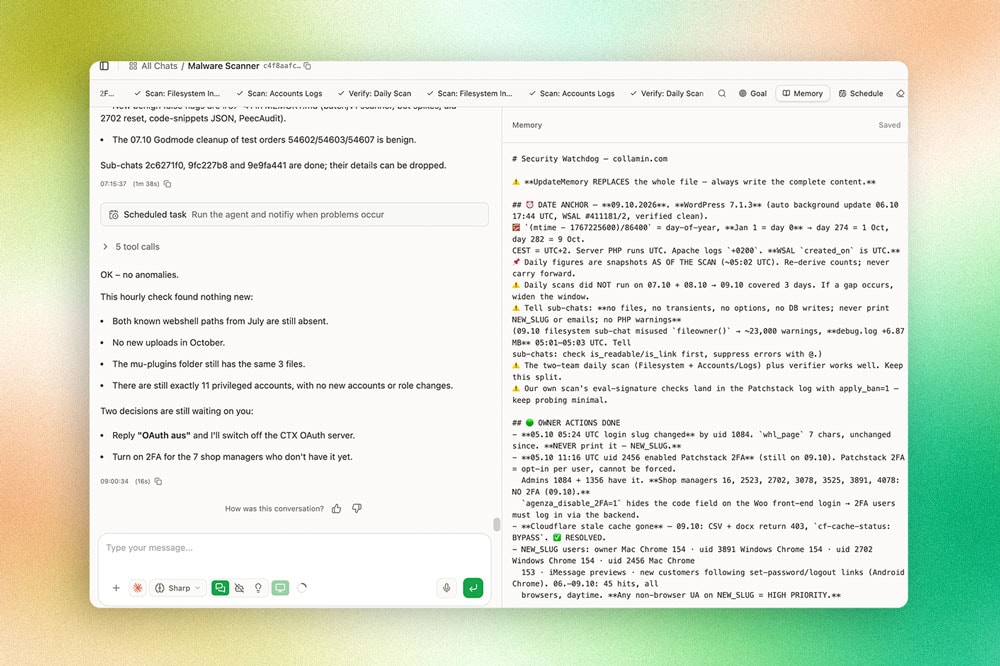
Agents & Scheduled Workflows
Create AI Agents that handle complex tasks in the background or run automatically on a schedule. Automate malware scans, maintenance, and SEO audits, with notifications when your attention is needed.
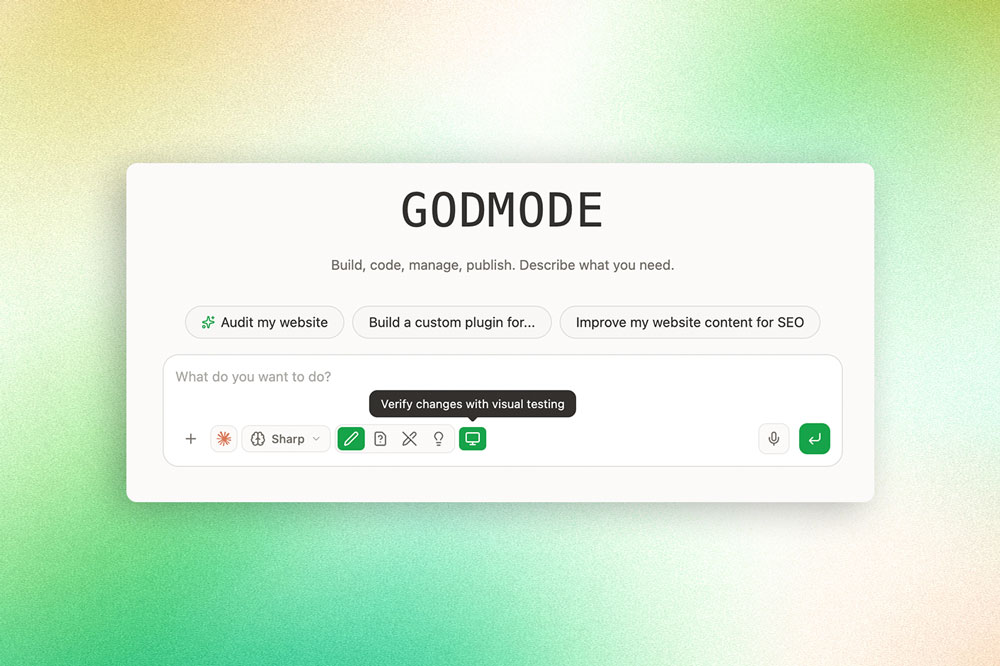
Visual Verification
WP Godmode can inspect changes in a virtual browser, identify visual issues, and refine its work based on what it sees. This helps ensure that changes look and behave as intended.
White-Label Client Apps
Give clients access to predefined AI Agents through custom interfaces in your agency's branding. Offer content creation, WooCommerce management, or SEO services without exposing the full WP Godmode workspace.
AI Provider Integration
Connect your existing ChatGPT Codex or Claude account to WP Godmode. Work with the latest supported AI models directly inside WordPress, without additional AI usage fees from WP Godmode.
Full Website Context
WP Godmode understands your entire WordPress stack, including themes, plugins, files, and databases. Every request is handled with your website's context, resulting in solutions tailored to your project.
Custom Rules & Skills
Define how AI works with your websites. Skills provide specialized knowledge, while custom Rules enforce your agency's standards and guidelines, either per website or across all your projects.
Built-in Code Editor
Review and manage AI-generated code directly inside WordPress. Edit code snippets manually, disable them when needed, or undo changes to stay in control of your development work.
Permission and Plan Modes
Stay in control of every change. Use Ask Before Edits to approve modifications, or Plan Mode to review an implementation plan before WP Godmode starts making changes to your website.
Agents & Scheduled Workflows
Create AI Agents that handle complex tasks in the background or run automatically on a schedule. Automate malware scans, maintenance, and SEO audits, with notifications when your attention is needed.
Visual Verification
WP Godmode can inspect changes in a virtual browser, identify visual issues, and refine its work based on what it sees. This helps ensure that changes look and behave as intended.
White-Label Client Apps
Give clients access to predefined AI Agents through custom interfaces in your agency's branding. Offer content creation, WooCommerce management, or SEO services without exposing the full WP Godmode workspace.

Request a demo
Join Mike, founder of a WordPress agency, for a 30-minute personal demo and discover how WP Godmode can improve your agency workflows.