Beyond MCP connectors: an AI workspace built for agencies
MCP connectors give an AI client access to your WordPress site. WP Godmode turns that access into a complete AI workspace inside wp-admin. We run a WordPress agency ourselves, so we build WP Godmode for agencies first: for your team, your standards and your clients.

WP Godmode vs. MCP connectors at a glance
Both approaches give AI full access to WordPress. The difference lies in everything around it: where your team works, how changes stay safe on live sites and what you can offer your clients.
Comparison based on the publicly documented features of MCP connectors such as Novamira, as of October 2026. Features marked "via AI client" depend on the client you connect. Client interfaces, the client assistant and per-user access control are part of the WP Godmode Agency plan. Full white label is available in Enterprise.
Everything your agency needs in one AI workspace
WP Godmode combines full AI access to WordPress with the tools agencies rely on every day: team access, shared standards, safe workflows on live sites and AI services you can offer to clients.
-
Install it like any WordPress plugin

Upload the plugin, activate it and connect your AI provider. No terminal, no config files and no external AI client to set up.
-
Give your team one AI workspace

Approved team members work in the same AI workspace inside wp-admin, with rules and workflows configured for every website.
-
Provide AI tools for your clients
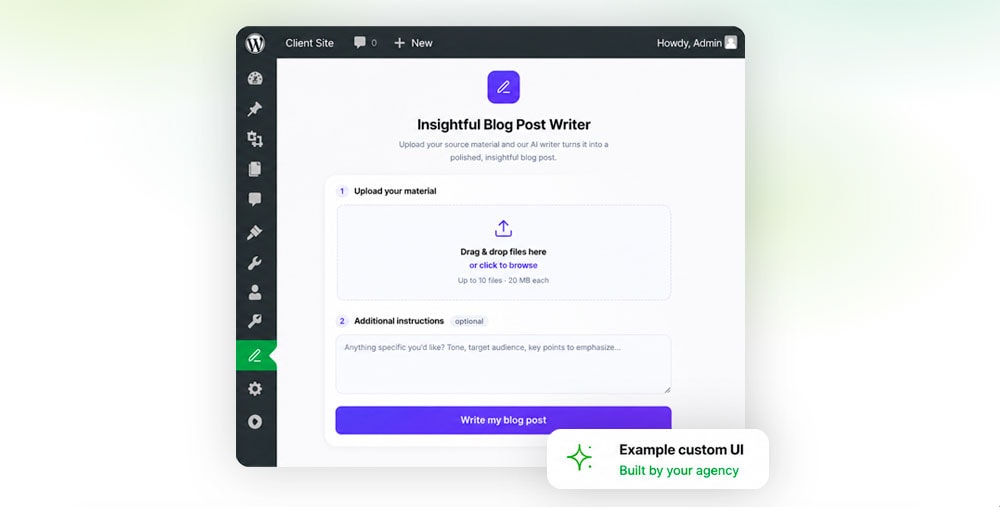
Build branded interfaces that let clients run your approved agents. Turn repeatable services like content or product updates into revenue.
-
Let clients find answers themselves
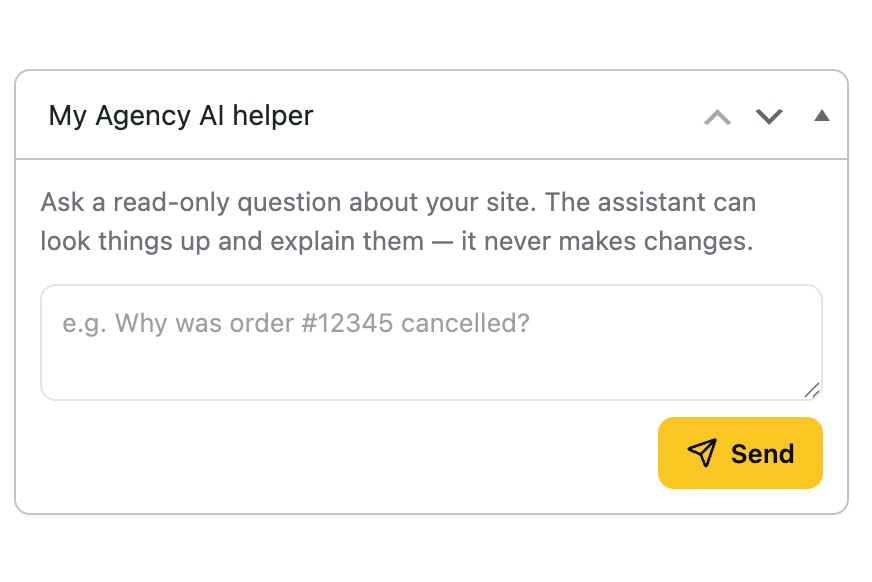
A read-only assistant in the client dashboard answers questions about their site, content and orders, without access to WP Godmode.
-
Define global and project specific AI Rules
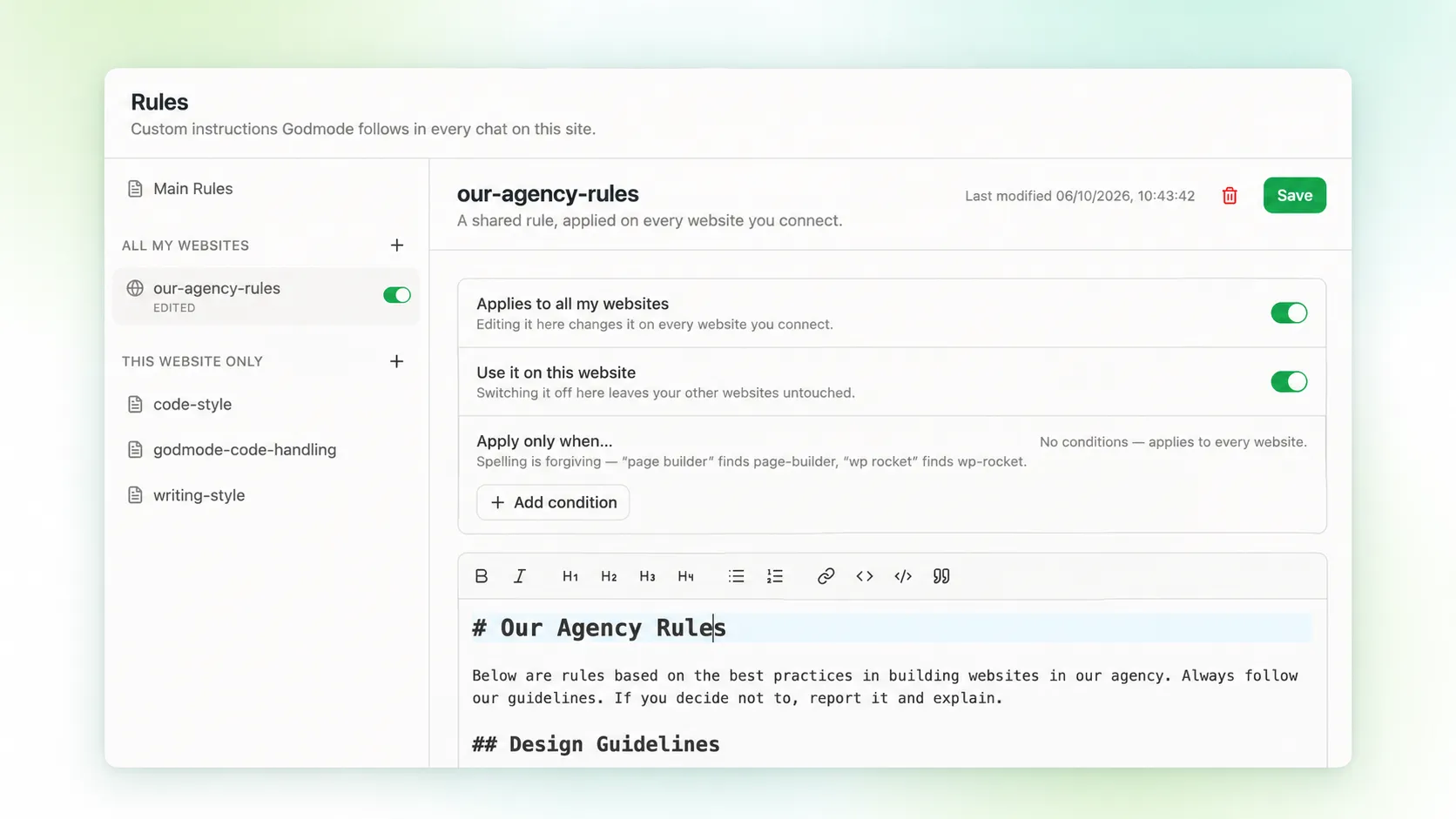
Set Rules once for all your websites or only for specific projects, so the AI always works to the standards of your agency.
-
Choose the right AI provider for each task
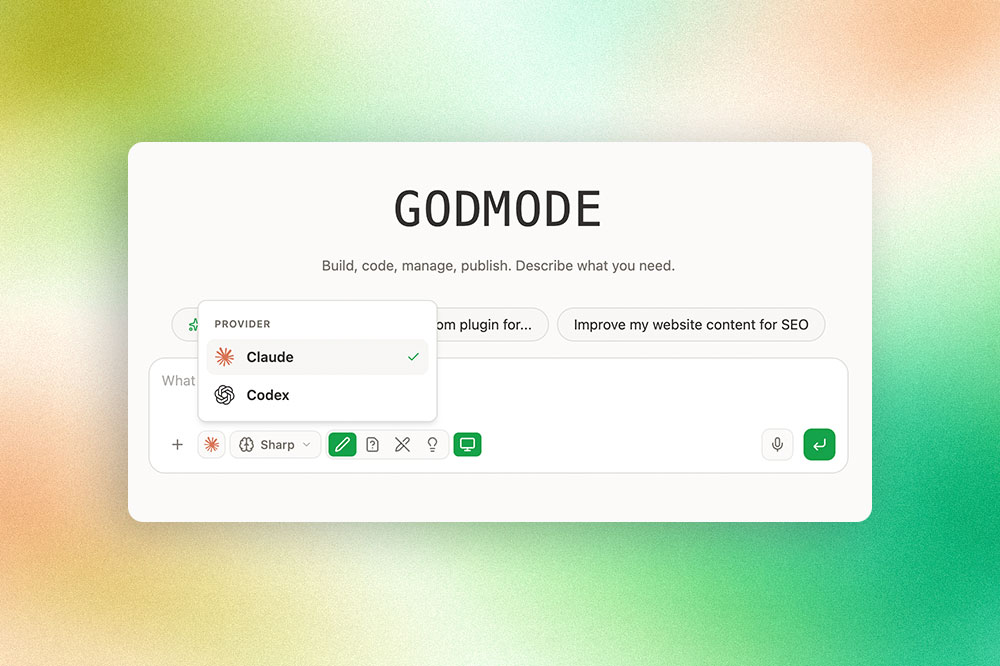
Connect Claude or ChatGPT Codex with your own account. Switch providers mid-chat, depending on the task and your usage limits.
-
Stay in control of AI written code
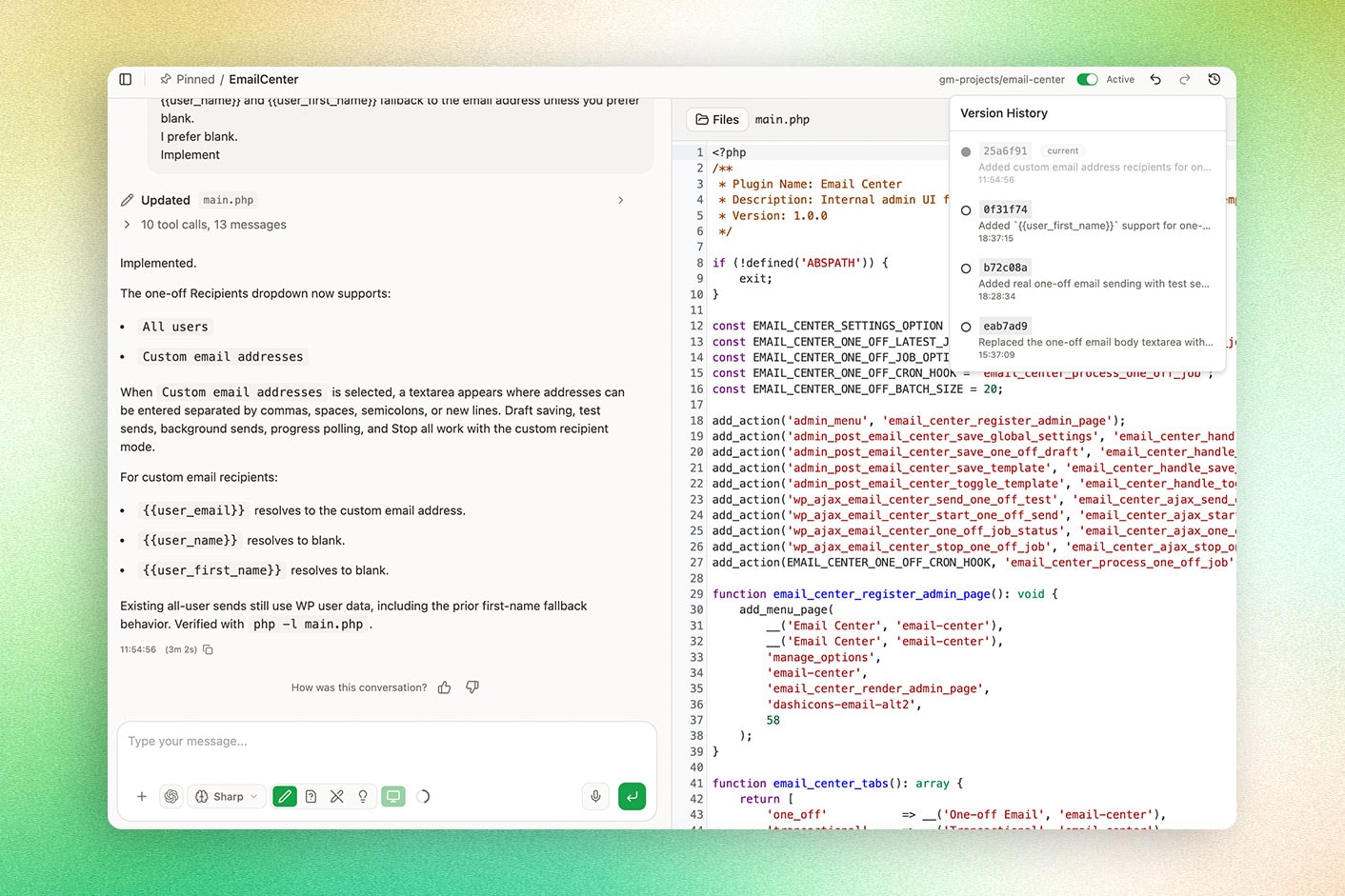
Review and edit generated code in the built-in editor. Switch custom code off anytime and use history and undo to roll back changes.
-
Let agents handle recurring work
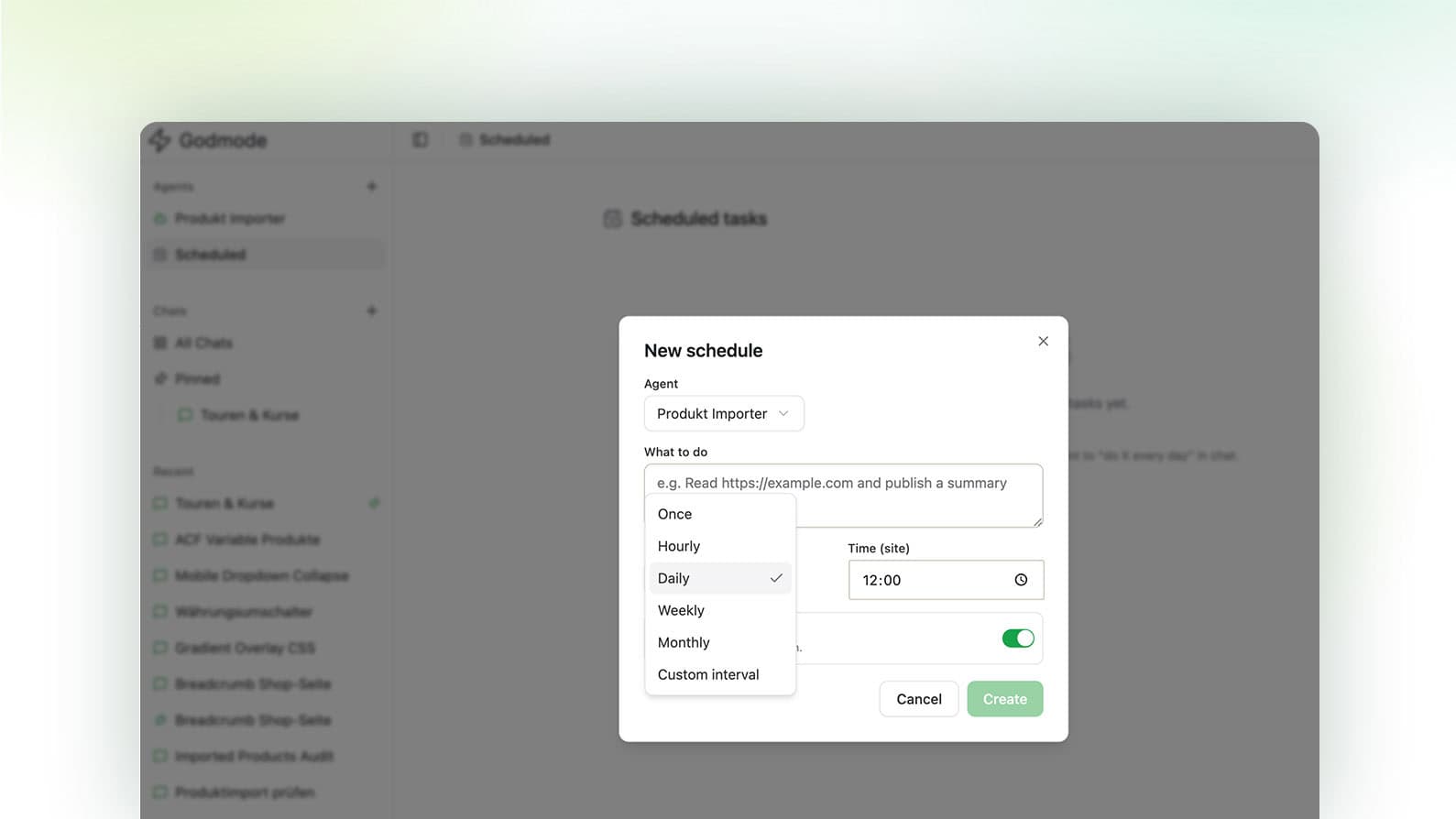
Run audits, malware scans and reports on a schedule. Get notified by email, Slack or Microsoft Teams when a scheduled task is done.
-
Explore your site without changing it
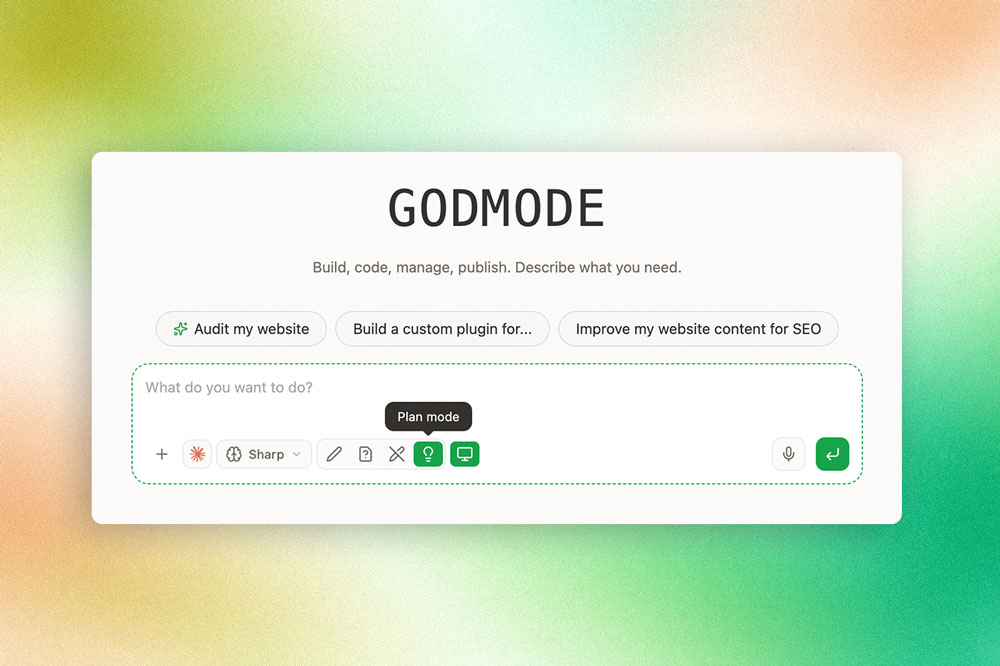
Switch to Edits Disabled to analyze a site, run an audit or prepare a larger task. Enable changes only when your team is ready.
-
Get started with WordPress focused prompts
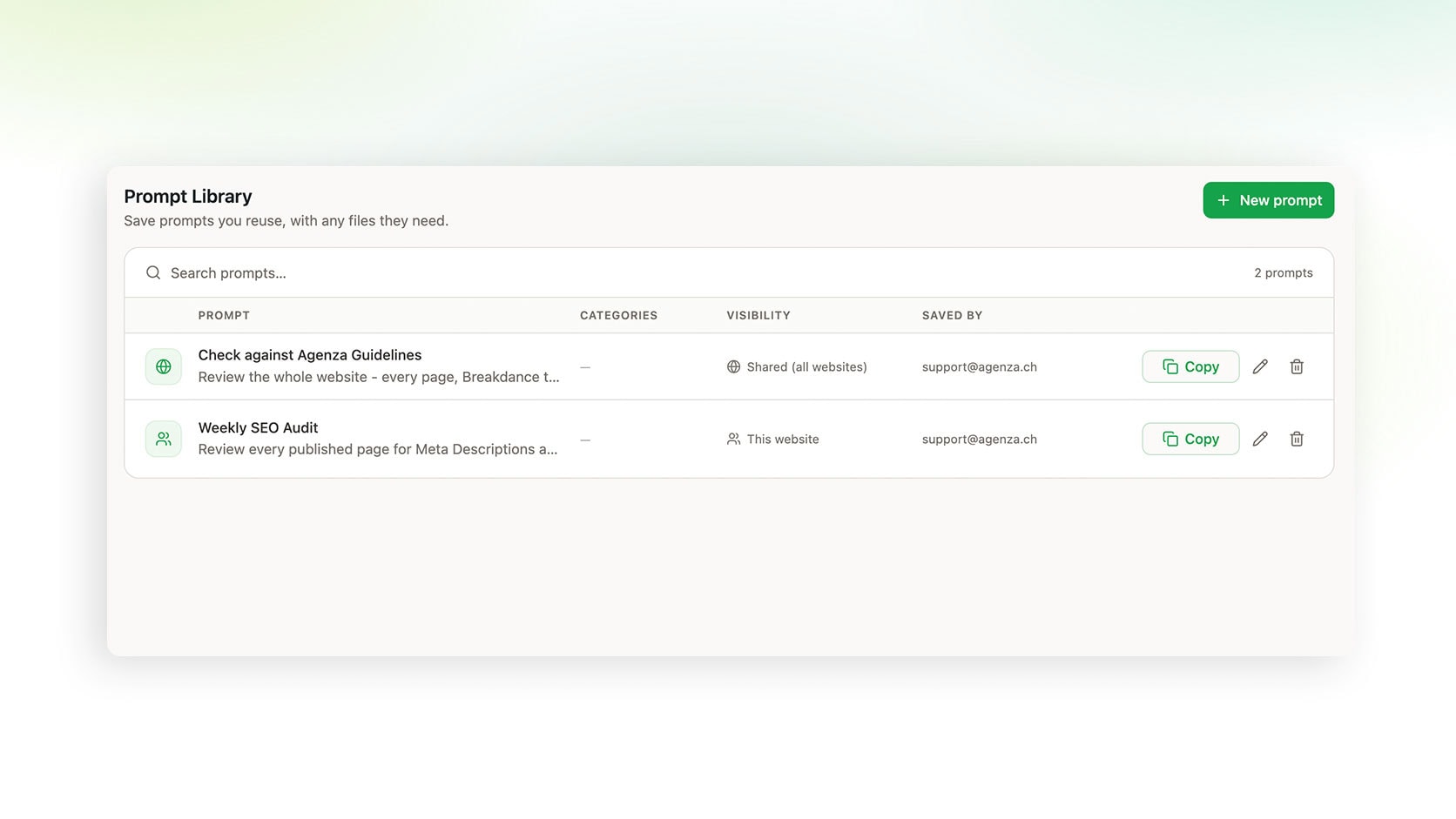
Start with predefined prompts for audits and builds, save your own in the Prompt Library and share them across your websites.
-
Teach AI how your team works

Use built-in Skills for Breakdance, Elementor, Avada and Divi, or create your own in the Skill Builder to capture your agency processes.
-
Decide who can use WP Godmode

Choose which admins can access WP Godmode on each website and keep the full AI workspace limited to the people you trust.
-
Review the plan before AI acts

Turn on Plan Mode for larger jobs. WP Godmode proposes a step by step plan and waits for your approval before changing anything.
-
Get answers grounded in your website
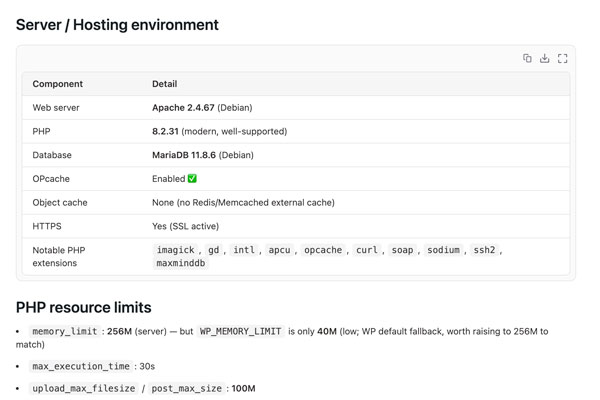
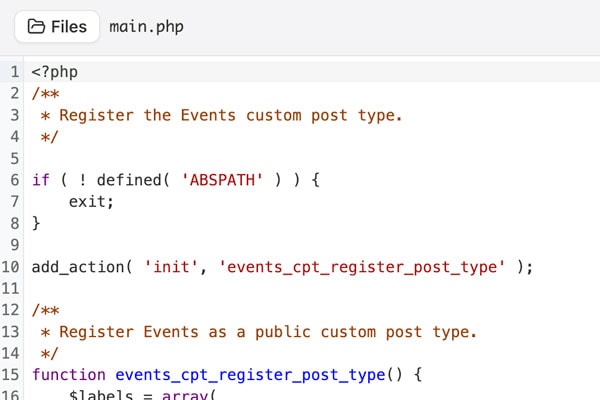
WP Godmode reads your theme, plugins, content and database before it acts, so every answer fits the website it works on.
-
Bring your briefs and files into chat

Drop screenshots, PDFs, Word documents, spreadsheets or Figma links into the chat and let WP Godmode build from your brief.

Request a demo
Join Mike, founder of a WordPress agency, for a 30-minute personal demo and discover how WP Godmode can improve your agency workflows.