
Documentation
Choosing a Model
WP Godmode lets you choose how much AI power to use for a task, and switch per conversation. The right choice keeps things fast for simple jobs and powerful for hard ones.
The options
- Standard — the everyday default. The best balance of speed and quality, ideal for most work.
- Sharp — more reasoning power for complex builds, larger changes and trickier debugging.
- Sharp Max — maximum reasoning for the most demanding, architecture-level tasks.
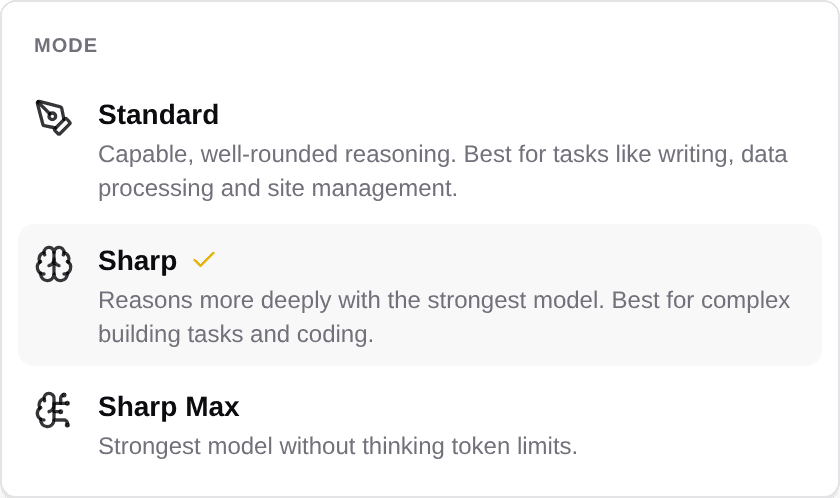
Start with Standard, and switch up to Sharp or Sharp Max when a task needs deeper thinking.
Table Of Contents