
Documentation
Client Dashboard
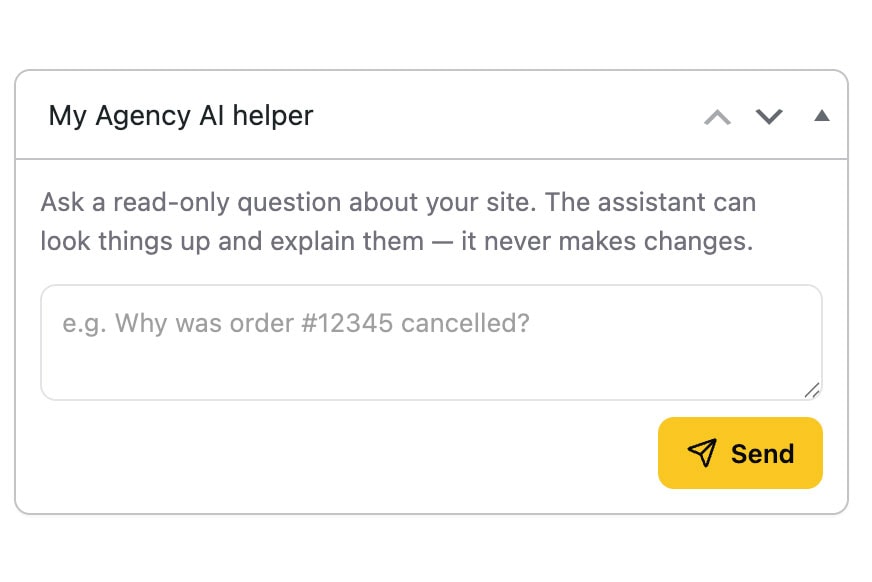
The Client Dashboard gives clients a read-only AI assistant inside WordPress without exposing the full WP Godmode workspace.
What the Client Dashboard does
- Lets clients ask questions about their website, content, products, orders or WooCommerce data.
- Keeps the assistant read-only, so clients can retrieve information without changing the site.
- Keeps WP Godmode itself available only to the agency or internal team members who should manage the site.
How agencies stay in control
The client assistant is separate from the main WP Godmode workspace. Clients can ask for information, but they do not receive access to code tools, page-building workflows, file editing or administrative actions unless your setup explicitly allows it.
Support handoff
When a client still needs help, the conversation can be summarized and forwarded as a support request. This gives the agency context without forcing the client to explain the issue again from scratch.
Client-facing workflows
Selected client-facing agents and AI-powered services are part of the roadmap. The current dashboard is designed as a controlled, read-only assistant first.
Table Of Contents