
Documentation
Settings
The Settings area is where you configure how WP Godmode behaves on a site.
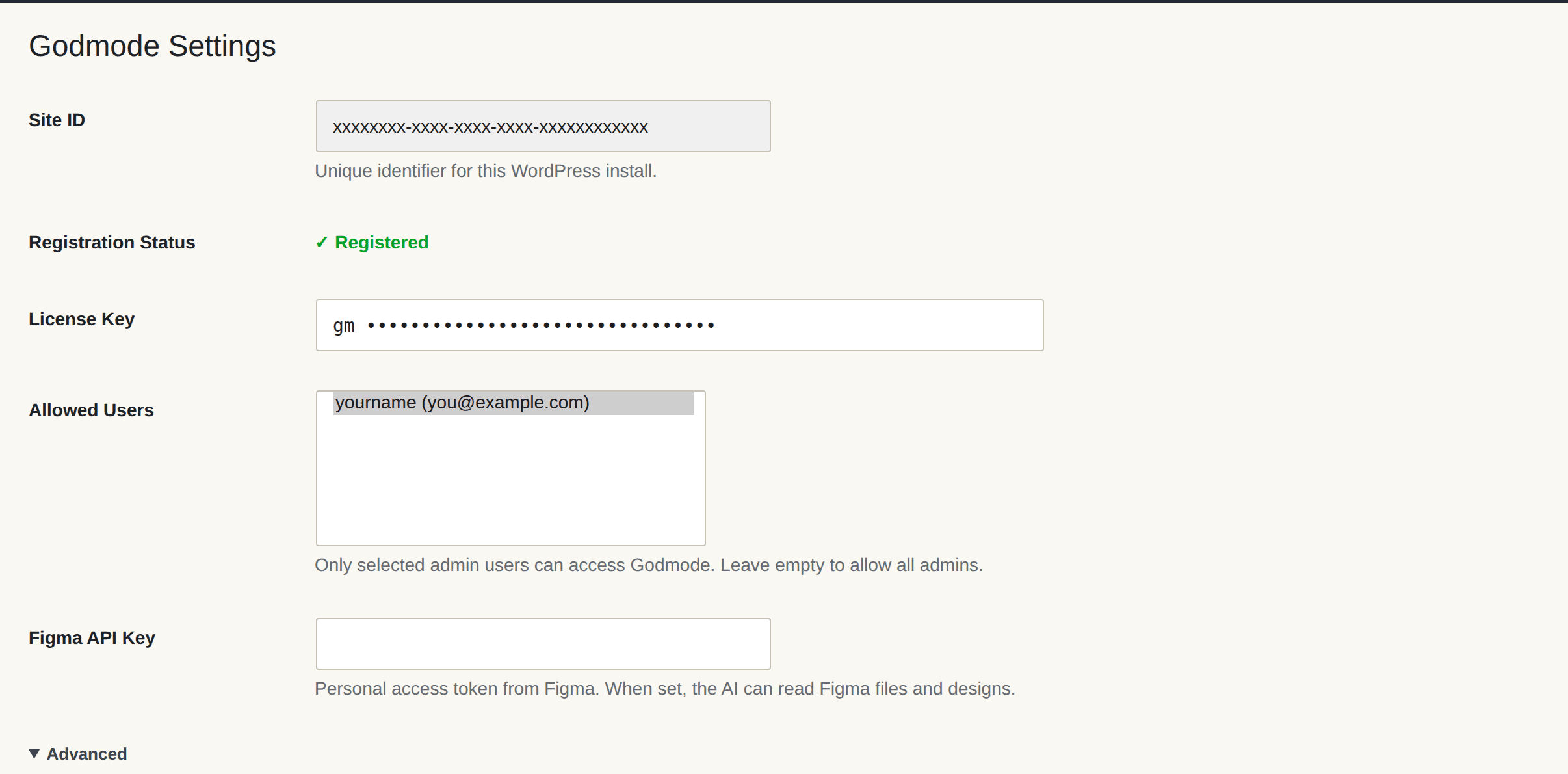
What you’ll find there
- Site ID — the internal ID if your website, as registered with the Godmode server (showed for information purposes only)
- Registration Status – shows if your website is registered with the Godmode server. If not, simply start a new chat and the website auto-registers.
- License Key
- Allowed Users – you can limit what admin users ca see the WP Godmode admin menu
- Figma API Key — connects Godmode to your Figma account
Settings are scoped per site, so each project keeps its own configuration.
Table Of Contents