
Documentation
Uploading Files
You can drop files straight into the chat and have WP Godmode use them for the task at hand.
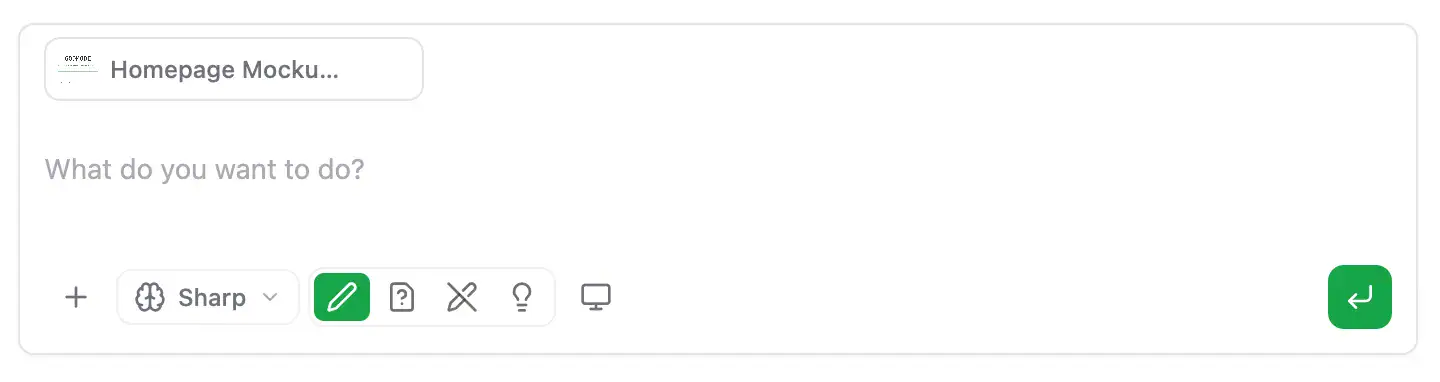
Supported files
- Images (PNG, JPG, WebP, SVG) — design references, screenshots, brand assets, “rebuild this” tasks
- PDFs — briefs, brand guidelines, source content
- Documents (Word, Markdown, text) — copy for pages and posts
- Spreadsheets & CSVs — bulk content, product data, redirect lists
- Code files — existing code to refactor, port or learn from
Once uploaded, WP Godmode reads the file and can write content, build pages, generate code or import data based on it — no copy-pasting required.
Table Of Contents